
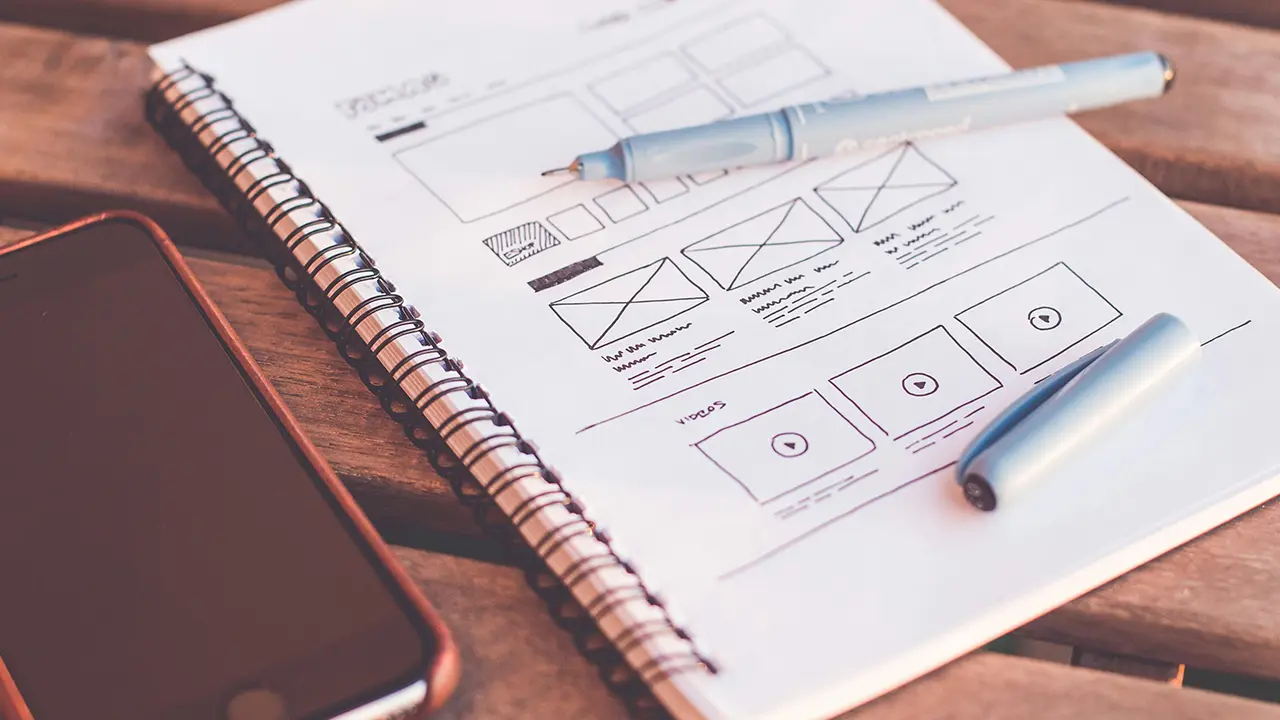
When a business commissions a custom website, the process often seems like a black box. You send a quote request, discuss the basics, then silence follows for weeks, and at the end you receive some sort of link. You can't see what's happening behind the scenes, why the work takes so long, or why a premium website costs more than a pre-fabricated ready-made template.
At MonkeyDesign I believe in complete transparency. I want you to understand exactly why the digital product you receive in your hands is more valuable.
As a senior frontend developer I'll take you behind the scenes and show you step by step how a template-free website is born — from the very first unique graphic pixel to the clean source code loved by Google.
Step 1: Thorough discovery and strategy
You cannot write good code without knowing your business goals, target audience, and competitors. Our collaboration never begins with programming.
In the first round we discuss what the website's primary purpose is: do you want to collect quote requests? Phone calls? Or present a complex service package? We define the ideal user journey — how the visitor should navigate from entry to contact in the shortest possible time.
Step 2: UI/UX design in Figma (the pixel-perfect visual design)
Many people make the mistake of starting to experiment directly in the website editor. I, by contrast, start work in Figma — the world's most advanced design tool. Here I draw the site's complete visual identity from scratch: buttons, layouts, typefaces, and colours.
Why is this brilliant for you as a client?
- You see the future: You receive an interactive prototype that you can click through on your own monitor or phone. You will see exactly how the finished site will look, before I write a single line of code.
- Risk-free modification: If a layout or colour doesn't suit you, I can adjust it in Figma in minutes. Modifying the design at the graphic stage is far faster and more cost-effective than rewriting finished code afterwards.
Step 3: Frontend coding — when the design comes to life
Once you've approved every detail in Figma, I close the design tool and open the code editor. This is the point where hobby developers install a heavy visual page builder (e.g. Elementor), while I begin coding the custom frontend from scratch.
Based on the Figma design I write clean HTML5, CSS3, and modern JavaScript code:
- Semantic structure: I structure the code so Google's search robots immediately understand what the most important content on the page is (the foundation of technical SEO).
- Pixel-perfect responsiveness: I develop the mobile, tablet, and desktop views separately, so the site delivers the same premium experience on every screen.
- Animations and dynamics: I build in subtle, elegant, and lightning-fast visual effects that guide the eye without slowing down loading.
Step 4: CMS backend integration and handover
When the appearance and frontend functionality are perfect, I connect the site to a stable backend engine (for example a custom-built WordPress or Concrete CMS system).
At this point I programme the custom functions and forms, and set up the admin interface so content management is child's play for you. Finally I carry out the technical SEO setup, connect the measurement codes (Google Analytics, Search Console), optimise images, and migrate the website to your final hosting.
At the moment of handover I don't leave you alone: you receive a custom video walkthrough that shows you step by step how to independently manage your new, unique digital weapon.
Summary
Creating a template-free website is not a matter of pressing a button — it is the result of precise engineering and design work. In return, you receive a unique system that doesn't look like every other site on the internet, doesn't limit your business's growth, and delivers a technical speed that templates will never achieve.
Would you like a website designed and coded precisely for your business's unique needs? Scroll down to the button, fill out the form, and let's start our collaboration in Figma this week!